Privacy
This page says what lsalab.dev keeps about you. It is short because the site keeps very little.
Reading the site
The site uses Google Analytics to count visits and see which pages people read. If you allow it, Google Analytics sets cookies in your browser for this. Google receives the page you open, the page you came from, your browser and device, and your rough location. Google does not give LSALab your name or your email address.
In the EU, the UK and Switzerland the site asks before any analytics cookie is set. Until you press Accept, no analytics cookie is set; Google still receives a count of the visit without a cookie, which it uses to estimate the number of visitors. Elsewhere the cookies are set from your first page. Anyone can change their answer with Cookie settings at the foot of every page.
Your answer is saved in your own browser, not in a cookie. The site shows no adverts and never lets Google use your visit for adverts. If you press the light and dark switch, that choice is saved in your browser too and never sent anywhere.
The site is hosted by Vercel. Like every web host, Vercel keeps server logs of requests, which include your IP address. LSALab does not use these logs to identify you.
The release emails
If you sign up for release emails, you give an email address and pick AdDeck, AI Hub or both. Your address is added only after you open the confirmation email and press the button. Until then it is not stored anywhere by LSALab.
The list is used for one thing: an email when a new version of the app you picked is released. It is never used for AdPilot or Geofound marketing, and it is never shared or sold.
The list is kept by Resend, the company that sends the emails for LSALab. Resend stores your address and whether you have unsubscribed. Every email carries a link that unsubscribes you with one click, and the unsubscribe page on this site does the same.
The links in those emails carry a coded token, not your email address, so your address never appears in a web address.
Support payments
If you pay towards the free apps, you pay on Stripe's own payment page. Your card details go to Stripe and never reach lsalab.dev. Stripe handles the payment under its own privacy policy and emails you the receipt.
LSALab sees in its Stripe account what any seller sees: the amount, the date, and the name and email address you give Stripe. That is used for receipts, refunds and nothing else. A monthly payment can be changed or cancelled by you, through Stripe's customer page.
The contact form
If you write through the contact form, your name, email address, business name if you give one, the topic and your message are sent by email to Leo Alexander. Resend, the company that sends LSALab's emails, carries it. The site does not keep a copy.
Your address is used to answer you. It is not added to the release email list, and it is never shared or sold.
Downloads
The free apps are downloaded from GitHub. GitHub sees the download request the way any website you visit sees it. LSALab does not record who downloads what.
On Windows 11 you can also get them from the Microsoft Store, which Microsoft runs under its own privacy statement. The download pages show Microsoft's "Download from the Microsoft Store" badge. Your browser loads that picture from Microsoft, so Microsoft sees the request the way any website does, and the badge's link takes you to Microsoft.
The apps themselves
AdDeck and AI Hub run on your own PC and keep their data there. AdPilot and Geofound have their own privacy pages on their own sites.
AI Hub
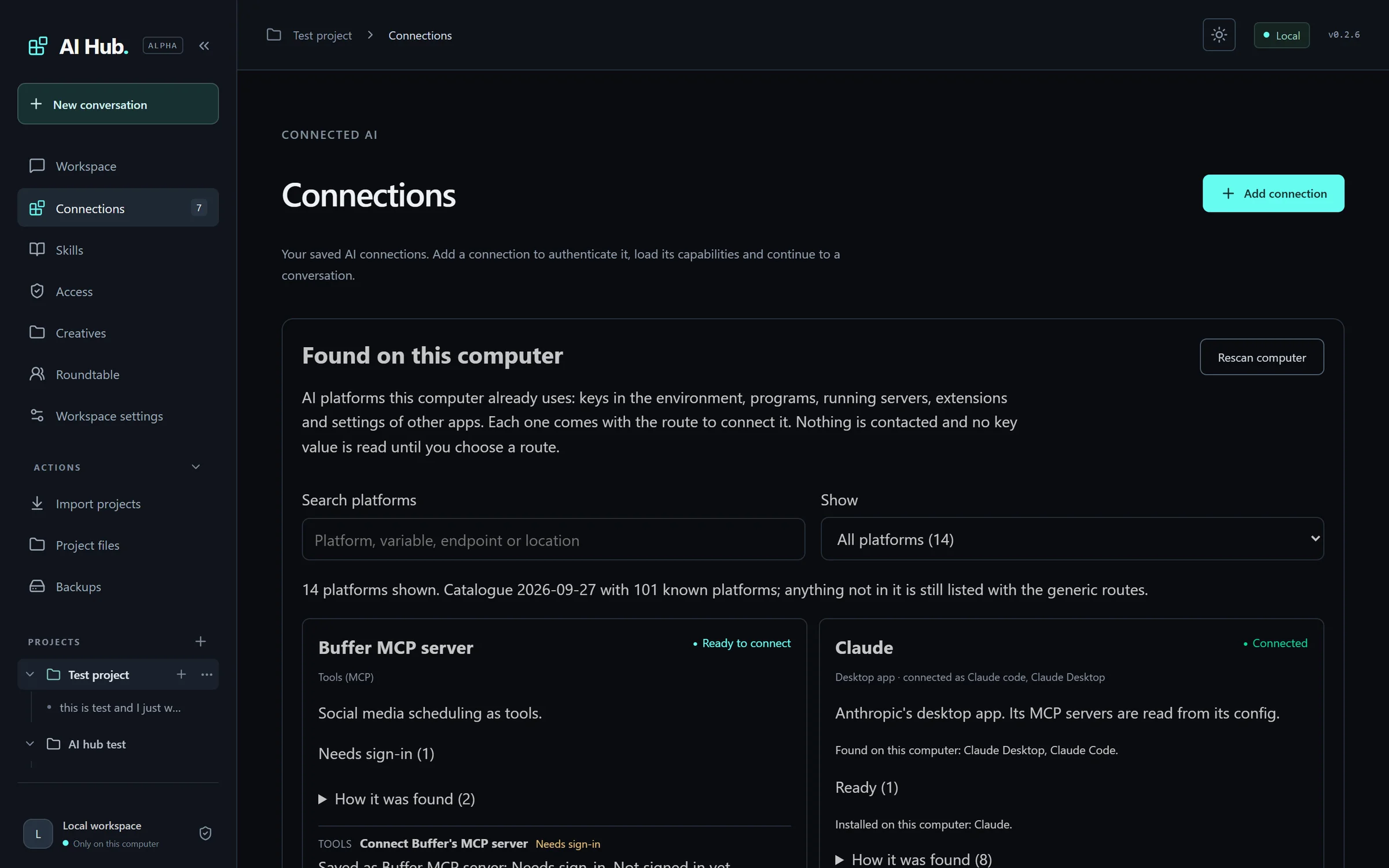
AI Hub keeps your conversations, projects, settings and connections in its data folder on your computer. On Windows that folder is %LOCALAPPDATA%\AI Hub\data, whether AI Hub came from the Microsoft Store or from this site. Keys and passwords you save are locked with your computer's own protection: Windows data protection, the macOS Keychain, or a key file on Linux.
What you write is sent only to the AI platforms and tools you connect, when you send it. Each of those companies handles it under its own privacy policy.
On its own, AI Hub reads public files from GitHub: the list of platforms it knows, the list of shared skills and, in a copy downloaded from this site, the number of the newest version. GitHub sees these requests the way any website sees a visit. They carry nothing from your conversations or settings.
Phone access is off until you switch it on. Then AI Hub joins your own Tailscale network so your phone can reach it, and Tailscale carries that traffic. If you speak into the microphone with your browser's own speech recognition, your browser may send the recording to its maker; Chrome sends it to Google.
AI Hub sends nothing to LSALab. It has no analytics and no crash reports. If you press Report on a reply, AI Hub gives you a message to report@lsalab.dev to copy, or opens it in Gmail or your email program. LSALab receives it only if you send it, and uses it only to look into what you reported.
Removing AI Hub leaves its data folder, so you keep your conversations. Delete the folder yourself to remove them.
AdDeck
AdDeck keeps your brands, conversations, runs, settings and connections in its data folder on your computer. On Windows that folder is %LOCALAPPDATA%\AdDeck when AdDeck came from the Microsoft Store. A copy from this site uses the folder you chose when you installed it, and suggests that same folder. On a Mac it suggests ~/Library/Application Support/AdDeck, and on Linux ~/.local/share/addeck. The pictures and videos it makes go to the creatives folder you choose.
Keys you save are locked with your computer's own protection: Windows data protection, the macOS Keychain, or a key file only you can read on Linux. An AI working in AdDeck is never shown them. To list what you can connect, AdDeck looks for programs on your computer and for the names of keys already set on it. It reads a key's value only when you choose to use that key.
What you write and the files you add are sent to the AI you connect, when you send a message or start a job. Some steps use a tool such as Higgsfield, HeyGen, ElevenLabs or Google Gemini. AdDeck then sends that tool what the step needs, such as a prompt or a picture, through your own account with it. A step that costs money runs only after you press Go on its price. Each of those companies handles what it receives under its own privacy policy. When the AI reads a web page, such as your website, that site sees the visit the way any website does.
AdDeck sends a file to TikTok, Facebook or Instagram only when you confirm that one post, on an account you connected.
On its own, a copy downloaded from this site reads one public file from GitHub, the number of the newest version, about once a day. A copy from the Microsoft Store does not read it, because the Store updates it. When you use Skills, AdDeck reads the GitHub address you give it. GitHub sees these requests the way any website sees a visit. They carry nothing from your conversations or settings.
AdDeck sends nothing to LSALab. It has no analytics and no crash reports. If you press Report on a reply or on something AdDeck made, AdDeck gives you a message to report@lsalab.dev to copy, or opens it in Gmail or your email program. LSALab receives it only if you send it, and uses it only to look into what you reported.
Removing a Microsoft Store copy leaves its data folder, so you keep your work. A copy from this site asks whether to delete the folder too, and keeps it unless you type yes. Delete the folder yourself to remove your data for good.
Questions
This site is run by Leo Alexander. To ask anything about your data, or to be removed from the list by hand, use the unsubscribe link in any email or the Support page to find the way to reach him.