Before You Approve an AI Marketing Video: A Practical Quality Checklist

Watch the delivered video from beginning to end before approving it. Listen to the speech, check the dimensions and compare product claims with the evidence in the brief. Record the faults with timestamps so the creator knows what to correct.
A video can play successfully and still be unusable. A price might be wrong. A headline might disappear halfway through a transition. The voice might mispronounce the business name even though the transcript spells it correctly. Reviewing the finished file catches problems that a render-complete message cannot settle.
Use this checklist when reviewing work from AdDeck or another production tool. It covers the file, the words and what the video shows about your business.
Put the brief beside the actual file
Start with the approved brief, the evidence for its claims and the exact file you intend to accept. A preview in a chat or an earlier export may differ from the final delivery.
Record the filename and version. If several people review the piece, give them the same file. A comment such as “the price is wrong” becomes difficult to act on when two exports have different prices.
Compare the output with the audience, message, duration, dimensions, required text, script and product references in the brief. Resolve any missing decisions before asking for changes. The AI creative brief guide provides a template.
Watch once without pausing. Ask whether someone unfamiliar with the project can follow the message. Then watch again with the brief open and pause at anything that needs a closer look.
Check the file's measurable properties
Confirm the width, height and duration against the brief. A file described as “vertical” still needs exact dimensions. A 1080 by 1920 brief calls for that output, rather than a smaller file with the same proportions.
Check whether the file has the required audio track. An audio stream can exist while containing silence, so its presence is only the first check. Listen to the file as well.
For a technical reviewer, ffprobe can report container and stream information, including video dimensions and audio streams. It helps establish what the file contains. It cannot decide whether the offer is persuasive or the product demonstration is truthful.
Treat the agreed delivery specification as the pass criterion. Do not import a resolution, frame rate or audio target from an unrelated project simply because it worked there. A quiet demonstration and a music-led advertisement have different sound requirements.
| Property | Illustrative vertical brief | Check |
|---|---|---|
| Dimensions | 1080 × 1920 | Read the exported file dimensions |
| Duration | The approved duration | Compare the finished runtime |
| Audio | Required speech or music | Inspect the track, then listen |
Illustrative review card. Inspect the file you will actually approve.
Watch every scene and transition
Check the middle of the video as carefully as the opening and ending. That is where a changed product screen, broken transition or brief flash of incorrect text can be missed.
Look for unintended black segments, frozen frames, missing assets, warped objects and abrupt jumps in movement. Pause where text enters or leaves the frame. A headline that is readable when stationary may become unreadable during its animation.
Automated analysis can flag possible problems. FFmpeg's blackdetect filter identifies nearly black intervals according to configured thresholds. Its silencedetect filter identifies sufficiently quiet intervals. A deliberate fade or pause can trigger either check. Review the timestamps before declaring a fault.
Give the creator a timestamp and a specific correction: “At 00:08, the product screen jumps left and hides the total for half a second. Keep the full screen visible through the change.”
Read the transcript, then listen to the words
Compare the spoken content with the approved script. Check prices, quantities, dates, product names and any claim that could change the buyer's understanding of the offer.
Then listen specifically for pronunciation. Speech recognition may produce the correct spelling even when the voice says a name badly. A clean transcript does not establish that the audio is correct.
Review the relationship between speech and images. If the narrator says “review each item before approving,” the screen must not show an unrelated action. When a number appears on screen, it needs to agree with the spoken number and the source.
If captions are required, check their wording, timing and line breaks. A caption should remain on screen long enough to read at normal playback speed. Avoid judging it only while paused.
Keep a small script comparison table when the piece contains several claims:
| Time | Approved wording or fact | Delivered result | Decision |
|---|---|---|---|
| 00:04 | Business name pronounced as supplied | Listen and record result | Pass or correction |
| 00:09 | Price from current offer page | Compare speech and image | Pass or correction |
| 00:15 | Required next action | Check wording and visibility | Pass or correction |
These are review fields, not results from a tested video.
Check what the video shows about the product
Compare product screens with supplied screenshots or a verified demonstration. Generated interface imagery can look plausible while presenting controls, figures or capabilities the product does not have.
Check logos, packaging, physical details and any shown result against the evidence pack. If the video uses an illustration rather than a real screen, make that clear in the production decision. Do not approve invented functionality because the illustration looks convincing.
Review testimonials and statistics individually. Ask where each came from and what it actually establishes. A fictional example must remain recognizable as an example. A generated customer quotation cannot become a real testimonial during editing.
Remove or qualify unsupported claims before accepting the piece.
| Check | Evidence to review | Decision |
|---|---|---|
| Product feature | Current product documentation and frame | Confirm the scene represents the feature |
| Offer or price | Approved offer and on-screen copy | Correct any mismatch |
| Uncertain claim | Missing or conflicting evidence | Resolve before approval |
Use current evidence from the brief; the rows are review prompts, not reported findings.
Judge the message at normal viewing size
View the video at approximately the size your audience will see. Large text in an editing preview can become small text on a phone. Inspect every version separately if the project requires several shapes.
The opening should give the intended buyer a reason to keep watching. Compare it with the problem in the brief. A service-business video about missed appointments could begin with that problem, then demonstrate how the service handles it. A sequence of attractive scenes without a clear connection to the offer needs a more specific change request.
Check whether the demonstration supports the headline. If the headline promises easier appointment management, the example needs to show relevant work rather than a generic dashboard.
End with the next action the brief requested. Keep the words readable and the offer accurate. This is a review of clarity, not a prediction of sales or a substitute for testing the creative with its intended audience.
Review each aspect ratio as its own delivery
A second shape can introduce new defects. Text may be clipped, the subject may move outside the frame or a product screen may become too small to read.
Specify the adaptation in the brief. A composition can be built separately for another shape, or an approved master can be scaled and padded where that preserves the message. Cropping a finished piece can remove the very detail the video needs to communicate.
Check the exported adaptation from beginning to end. Do not infer its quality from the master. Record a separate filename and verdict for each version.
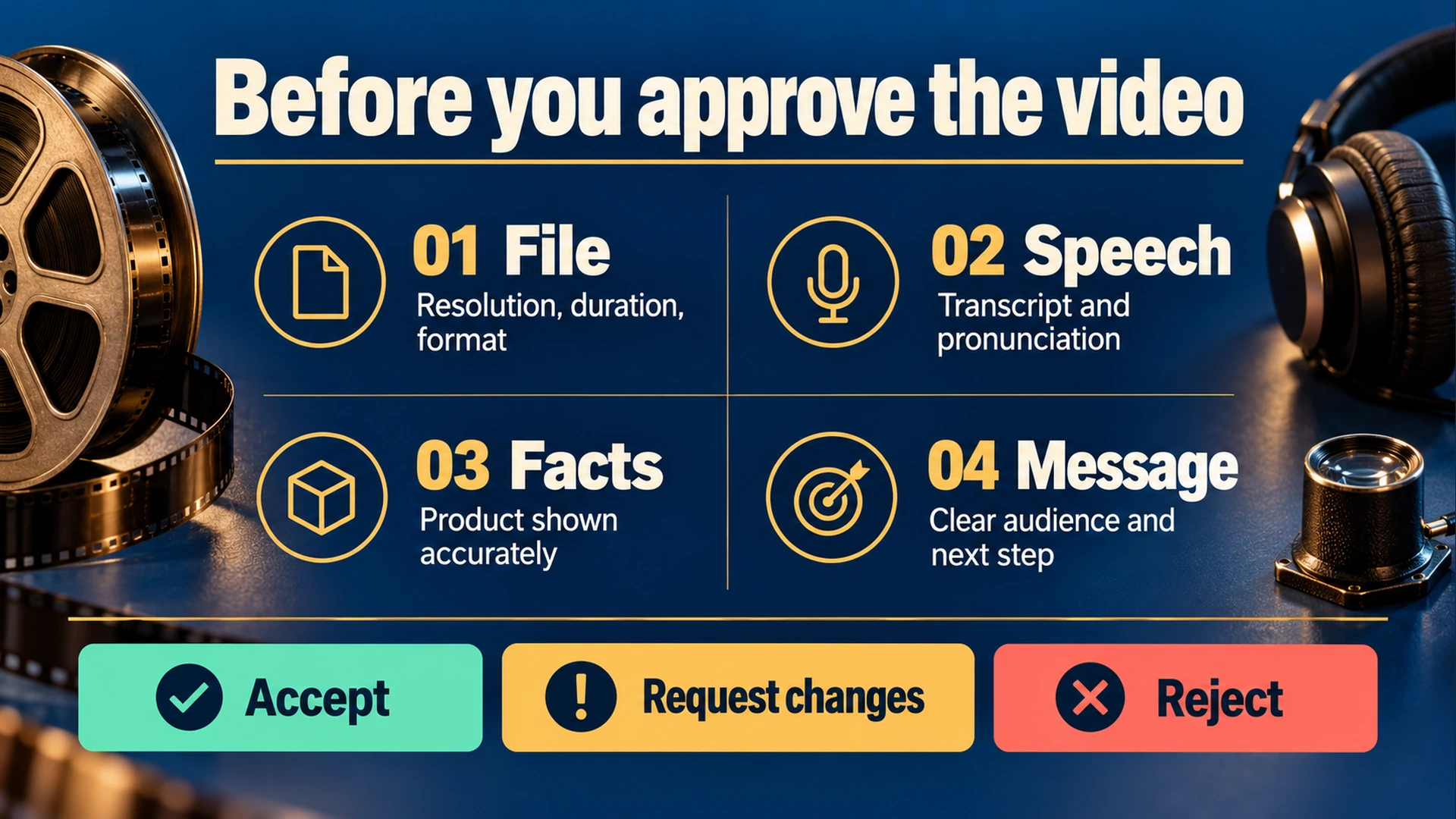
Check the delivered file, spoken words, product facts and message before recording your verdict.
Give a verdict someone can act on
Choose one of three outcomes: accept the file, request a defined correction or reject it because the approach cannot satisfy the brief. Keep technical results, factual results and editorial judgment visible in that decision.
For example, this fictional review is actionable:
Request changes. The dimensions and duration match the brief. At 00:09 the voice says the old price, and the phone-sized preview clips the last word of the headline. Regenerate with the approved script and keep the complete headline within the frame. Preserve this version for comparison.
Agree to any additional cost before another paid generation. The correction request explains what needs changing; it does not authorize an unlimited number of retries.
The AdDeck product page describes size, darkness and sound checks, an AI review and a final user decision. Those checks can support your review. You still need to verify the message and approve the delivered file.
Copy this review sheet
Video review
File and version:
Approved brief:
Reviewer and date:

Dimensions and duration:
Required audio present and audible:
Full runtime watched:
Unintended black segments, freezes or transition faults:
Text readable at intended viewing size:
Spoken script checked:
Brand names and numbers listened to:
Captions checked, if required:
Product visuals compared with supplied evidence:
Prices, claims and testimonials verified:
Each required aspect ratio reviewed separately:

Verdict: accept / request changes / reject
Corrections, with timestamps:
Additional paid work authorized, if any:
Accepted delivery filename:
Save the review sheet beside the accepted file, with its exact filename and version.
Related guides
Citations (3) showhide
- FFmpeg. ffprobe
- FFmpeg. blackdetect filter
- FFmpeg. silencedetect filter